Markorax
LOOM COLLECTION
LOOM COLLECTION
Couldn't load pickup availability
Self-paced learning overview
- 📥 Digital file available after purchase
- ♾️ Long-term availability
- 🔒 Secure checkout
- 🗓️ Content updated in 2026
1. Problem Statement
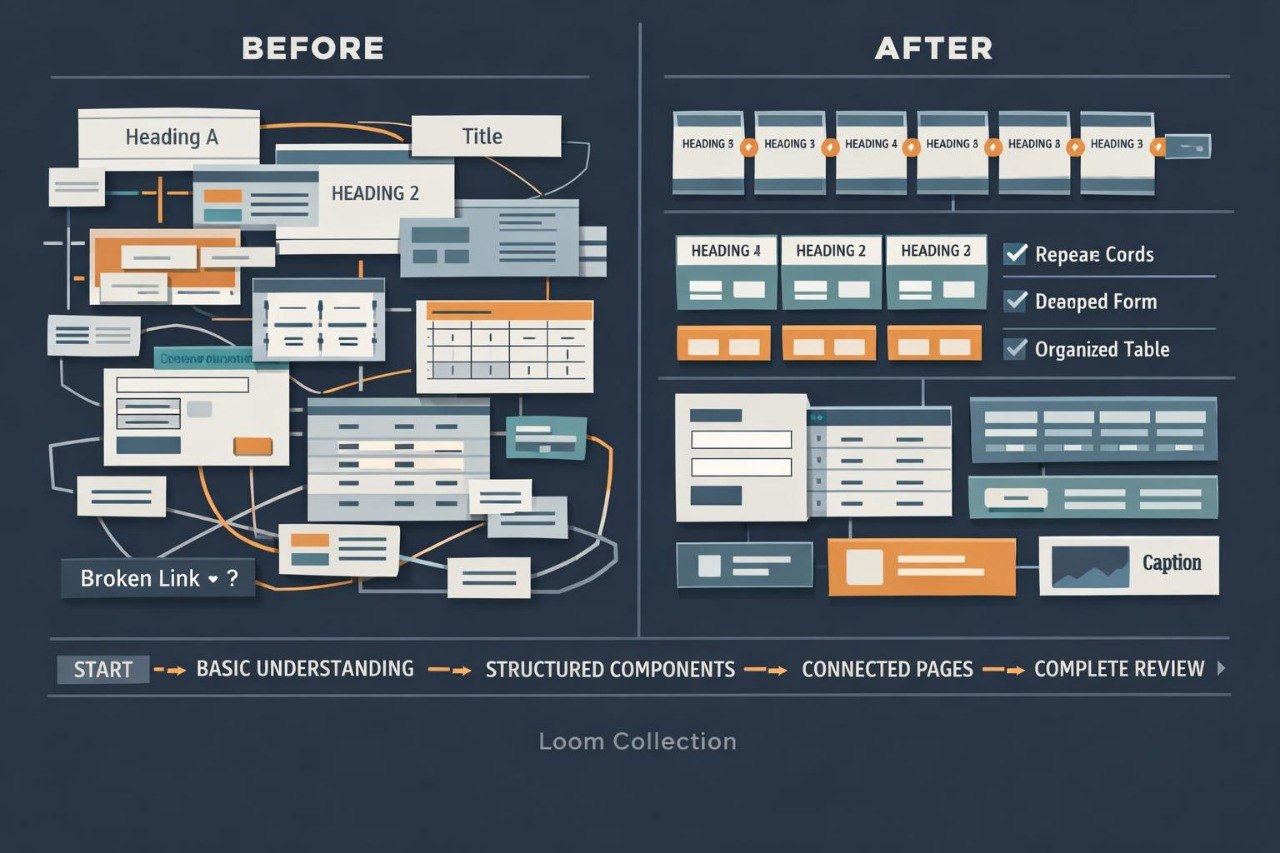
Struggling to combine different HTML components within one project without disrupting the document logic? You are not alone: a page may contain individually correct elements while remaining inconsistent as a complete structure. Headings, navigation, forms, tables, and information blocks are often created separately without a shared order. As the project expands, repeated content, inaccurate paths, unnecessary containers, and different patterns for similar sections may appear. Without a systematic review, these differences accumulate and make later revisions more complicated.
2. Solution
This course will teach you how to plan an HTML project as a connected system of pages and content components. You will combine semantic regions, navigation routes, repeated cards, tables, forms, and supporting information. The materials explain how shared structural rules can be applied throughout every document in the project. Practical assignments guide you through reviewing markup, identifying inconsistencies, and rewriting overloaded sections. The final assignment involves building a thematic multi-page resource containing several content formats.
3. What’s Inside
Module 1: Project Scope and Content Map
You will define the project subject, page list, purpose of each document, and relationships between the main sections.
Module 2: Shared Document Foundation
This module covers a common page structure, information elements, heading order, primary content, and lower document sections.
Module 3: Semantic Content Architecture
You will divide materials between articles, sections, supporting regions, and navigation components according to their role.
Module 4: Reusable Content Patterns
You will create consistent structures for cards, resource lists, short descriptions, information panels, and thematic groups.
Module 5: Connected Navigation System
This module explains the main menu, internal links, page relationships, and routes between sequential materials.
Module 6: Forms Within a Larger Project
You will build a structured form, connect controls with labels, arrange thematic groups, and add supporting instructions.
Module 7: Tables and Organized Data
You will create a table containing a caption, headings, row groups, primary values, and a summary section.
Module 8: Reference and Supporting Information
This module covers dates, definitions, abbreviations, quotations, code fragments, author details, and expandable explanations.
Module 9: Media and Descriptive Context
You will arrange images, captions, and written descriptions so they support page content without disrupting its hierarchy.
Module 10: Markup Review
You will review nesting, closing tags, headings, file names, relative paths, and the consistency of repeated blocks.
Module 11: Structural Revision
You will rewrite overloaded sections, remove unnecessary containers, and align similar components across different pages.
Module 12: Final Connected Website
You will create a completed project containing at least seven connected HTML pages, shared navigation, a form, a table, and thematic collections.
4. Who Is This For?
✅ Suitable if you:
- have worked with semantic HTML elements;
- have created forms, tables, and multi-section pages;
- want to combine several studied subjects within one project;
- are prepared to plan the structure before writing markup;
- want to improve consistency across larger documents.
❌ Not suitable if you:
- are beginning your study of HTML;
- have not yet worked with relative paths;
- need materials focused on server-side logic;
- do not plan to complete a final multi-page project.
5. What You’ll Learn
- Create a map for a detailed HTML project.
- Plan at least seven connected pages.
- Build a shared semantic document foundation.
- Maintain a consistent heading hierarchy.
- Create repeated structural components.
- Combine menus, internal links, and sequential routes.
- Add a form containing at least three thematic groups.
- Build a table containing several data categories.
- Organize quotations, dates, definitions, and technical fragments.
- Review paths, nesting, and element closure.
- Reduce unnecessary container levels.
- Complete a thematic multi-page HTML project.
6. Refund Policy
A refund request may be submitted within 30 calendar days of the course purchase date. Each request is reviewed according to the terms published on the Markorax website, including the amount of material already completed and other stated conditions.
7. Certificate
After completing all modules and the final project, the learner receives a Markorax certificate. The document records the course title and the main subjects included in the learning program.
1. How are the courses organized?
1. How are the courses organized?
Each course contains ordered modules, written explanations, HTML markup examples, practical exercises, and final assignments. Learners can study at their own pace and return to earlier topics whenever additional review is needed.
2. Is previous web development experience required?
2. Is previous web development experience required?
Previous experience is not required for the introductory plans. Later collections are intended for learners who already understand basic HTML tags and want to work with larger page structures.
3. How do the plans differ?
3. How do the plans differ?
The plans follow a gradual progression in material volume, module count, and assignment complexity. Introductory options cover foundational topics, while later collections examine semantic structure, forms, tables, multi-page projects, and more detailed markup organization.
4. Is a certificate included?
4. Is a certificate included?
Yes. After completing the required modules and final assignments, the learner receives a Markorax certificate. It records the completed course and the main subjects covered in the program.
Share