

Routes Through HTML Structure
-
-
SLATE FRAMEWORK
Regular price €67,00 EURRegular price -
GRID PACKLINE
Regular price €150,00 EURRegular price -
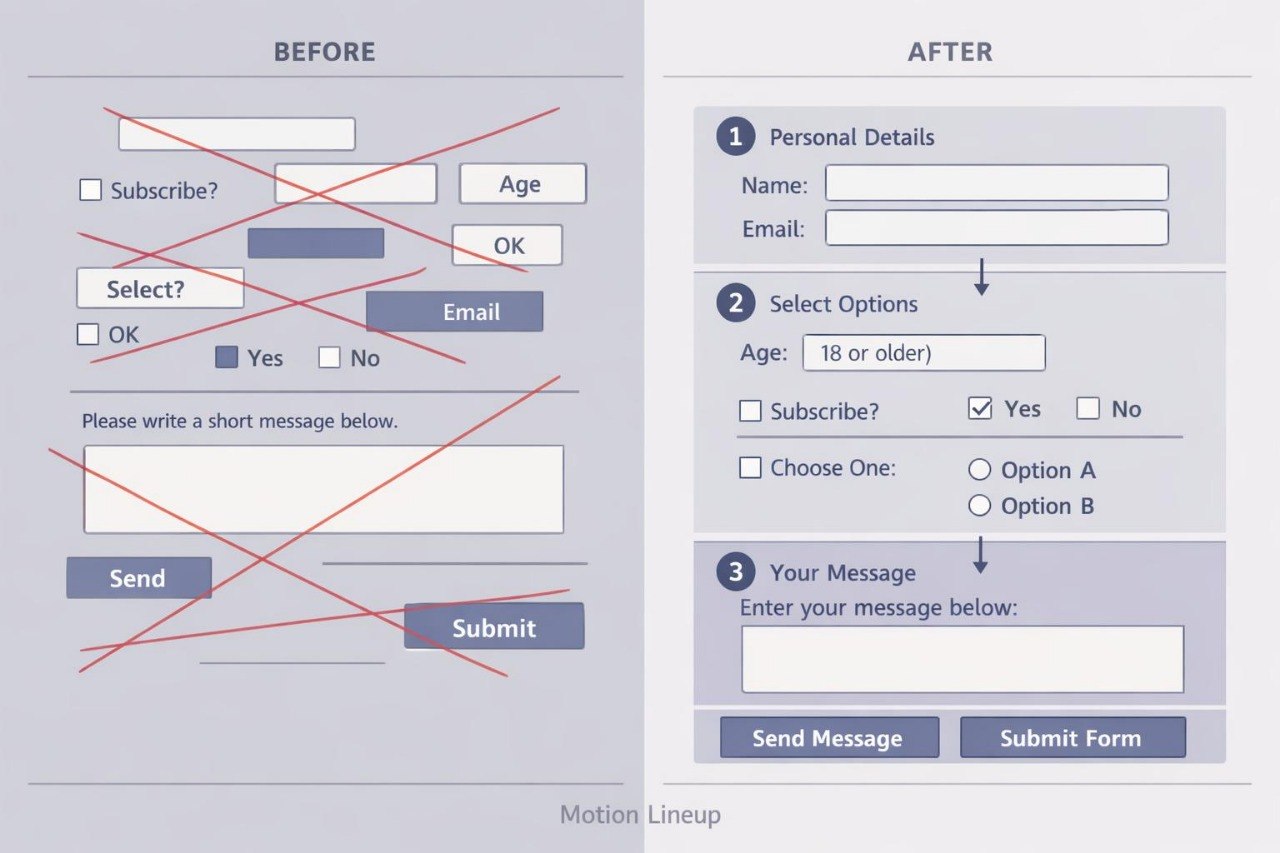
MOTION LINEUP
Regular price €249,00 EURRegular price








Seeing the Structure Behind Every Tag
As seen on


Markorax Started with a Blank Page
The People Between Tags and Meaning
-

Annie Deleon
HTML Documentation Developer
Maren creates reference pages containing
definitions, dates, quotations, notes, and
code fragments. She connects supporting
information with the primary material.
-

Rodrick Mayer
Semantic HTML Developer
Rodrick works with meaningful page
structure, heading hierarchy, and the
logical division of content. He focuses on
giving every markup element a clearly
defined role within the document.
-

Debora Ponce
Web Navigation Developer
Debora develops menus, internal links,
and routes between individual pages.
Her work maintains a consistent navigation
structure across different project sections.


Look Inside the Learning Structure
Learning Arranged Like a Well-Structured Page
-

Project Building
Each course includes a final
HTML assignment that can
become part of the learner’s
portfolio.
-

Semantic Thinking
The materials explain
how to select HTML elements
according to content roles
and document hierarchy.
-

Code Review
Learners examine nesting,
headings, links, and repeated
sections before completing
each assignment.
-

Connected Skills
Subjects progress from
foundational documents to
forms, tables, collections,
and multi-page projects.


Stories Written Line by Line
-

Keri Bell
Keri wanted to create a small collection of learning resources, but
her cards followed different element orders and contained too many
nested containers. Every new block required another decision about
where the heading, description, image, and link should be placed.
She valued the repeated-pattern examples, overloaded-markup
comparisons, and exercises based on keeping the same element
order throughout a collection.
“After I defined one card pattern, expanding the collection
became much more manageable.”
-

Janine Clay
Janine started with the intention of creating a portfolio but was
unsure which projects could demonstrate different areas of HTML.
She had built a foundational page but had not yet worked with
forms, tables, meaningful content elements, or multi-page
navigation. She found the course format useful because each course
concludes with a separate assignment, while the completed work
gradually forms a connected group of pages.
“I liked that every new project added a different type of structure
to my portfolio instead of repeating the previous one.”


30-Day Money-Back Guarantee
Lessons on Your Devices


Begin with a Small Piece of Markup
